> For the complete documentation index, see [llms.txt](https://help.zcal.co/llms.txt). Markdown versions of documentation pages are available by appending `.md` to page URLs; this page is available as [Markdown](https://help.zcal.co/invite-settings/custom-url.md).
# Custom URL
In zcal, every invite link can be assigned a unique URL that you share with your guests. While zcal generates a default URL for you, you can customize the "slug" (the part at the end of the link) to make it more professional or easier to remember.
#### How to customize your invite link URL
1. Go to your Dashboard and click the Edit button with the pencil icon on the invite link you want to modify.
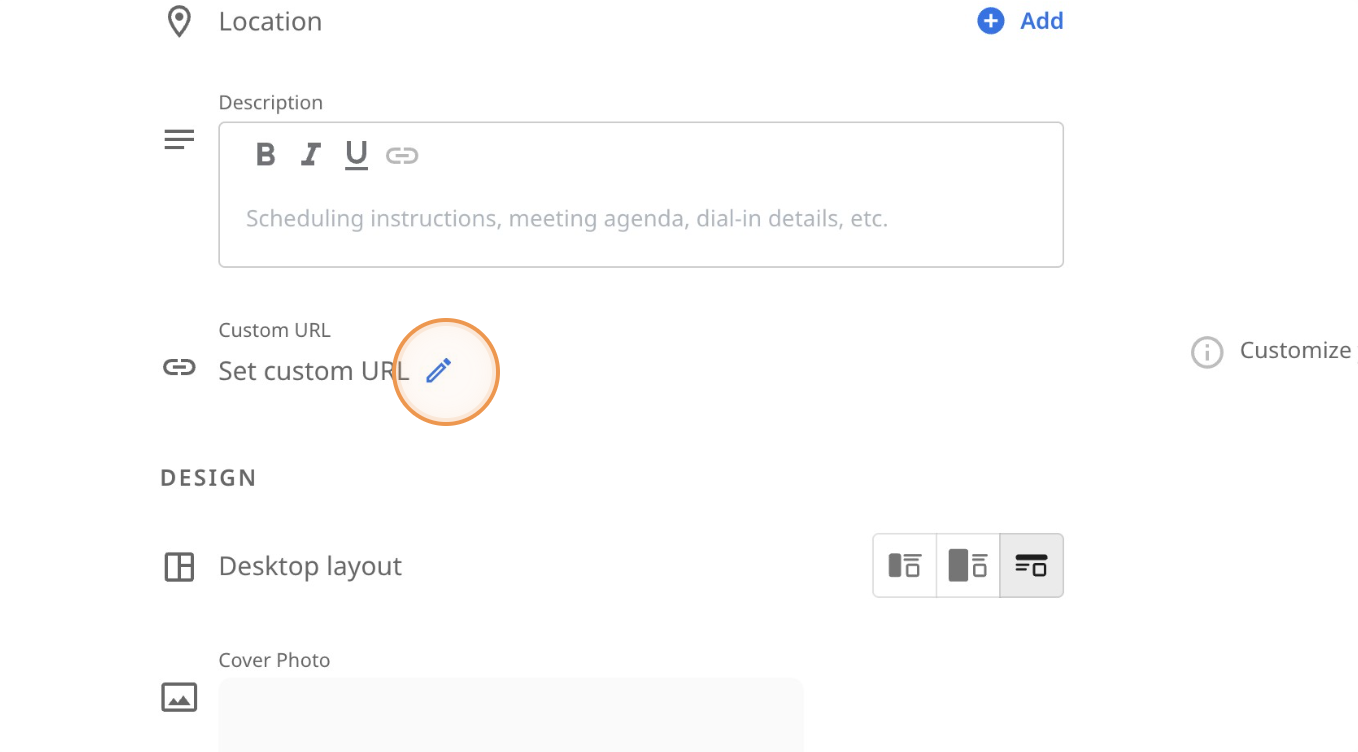
2. Scroll down to the Custom URL section and click the Edit button with the pencil icon.
3. A dialog box will appear. Type your desired slug into the text field (e.g., *coffee-chat* or *discovery-call*).
4. Click the Apply button to update the link.
5. Click Next at the bottom of the page twice to proceed through the remaining settings, then click Save to finalize your changes.
***
Note: If you change the URL of an existing link, any old links you have already shared with guests will no longer work. Be sure to update your email signatures or shared messages with the new URL.