> For the complete documentation index, see [llms.txt](https://help.zcal.co/llms.txt). Markdown versions of documentation pages are available by appending `.md` to page URLs; this page is available as [Markdown](https://help.zcal.co/master.md).
# Introduction
### What is zcal?
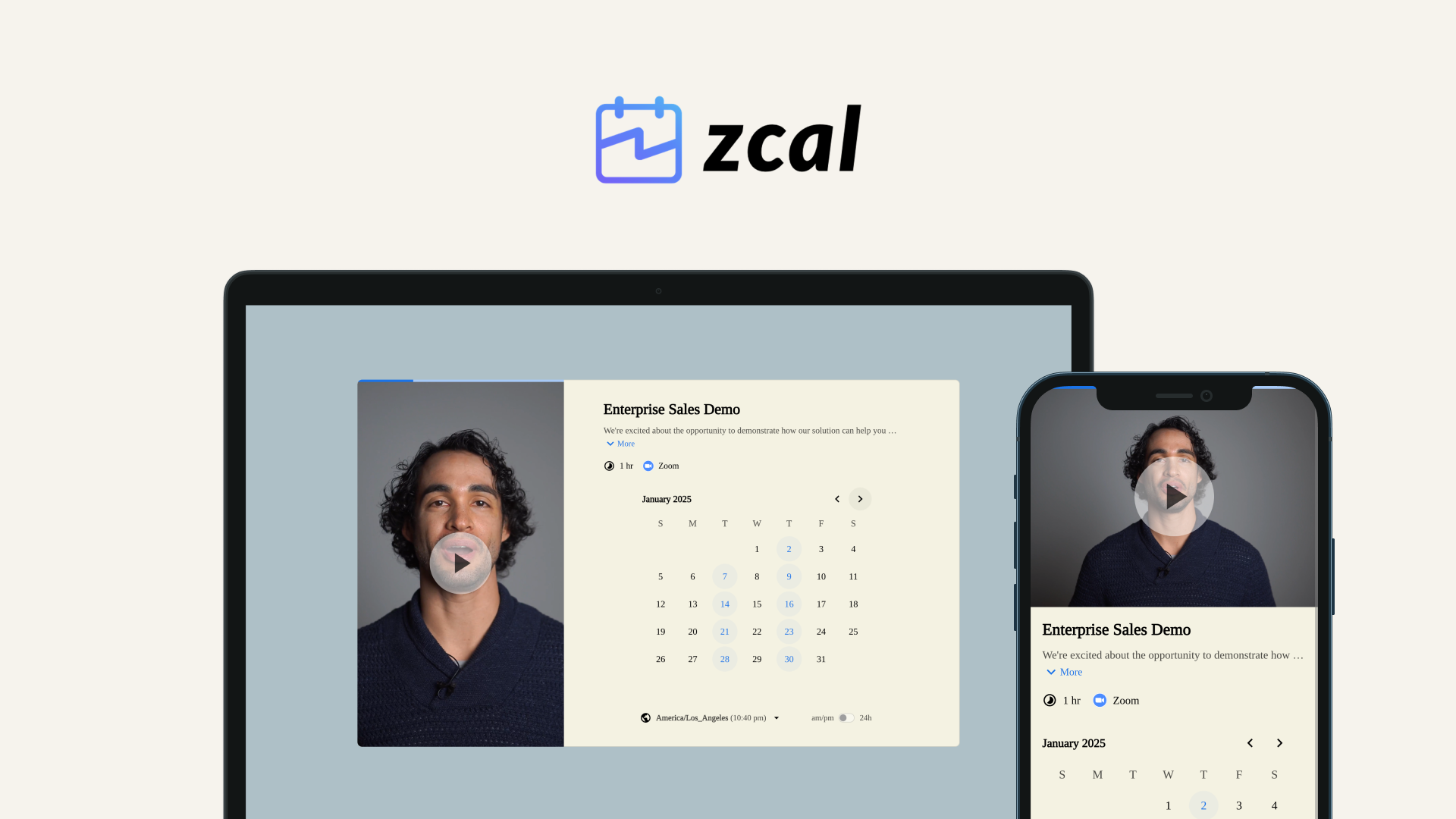
zcal is a modern scheduling tool that makes it easy to create beautiful booking pages for your clients. It is designed to help you increase booking rates and reduce no shows.
Our mission is to make individuals and businesses more productive by providing the most user-friendly, powerful scheduling service on the web.
### Why choose zcal?
Most scheduling apps treat design and branding as an afterthought. We made it our top priority. Whether you’re a solopreneur, coach, consultant, or part of a growing team, your brand is everything. zcal lets you show off your brand’s personality while simplifying your scheduling process.
Unlike other scheduling services, zcal has an intuitive, modern design that requires no learning curve to get started. Schedule 1-on-1's, team meetings, and more in seconds.
### How does it work?
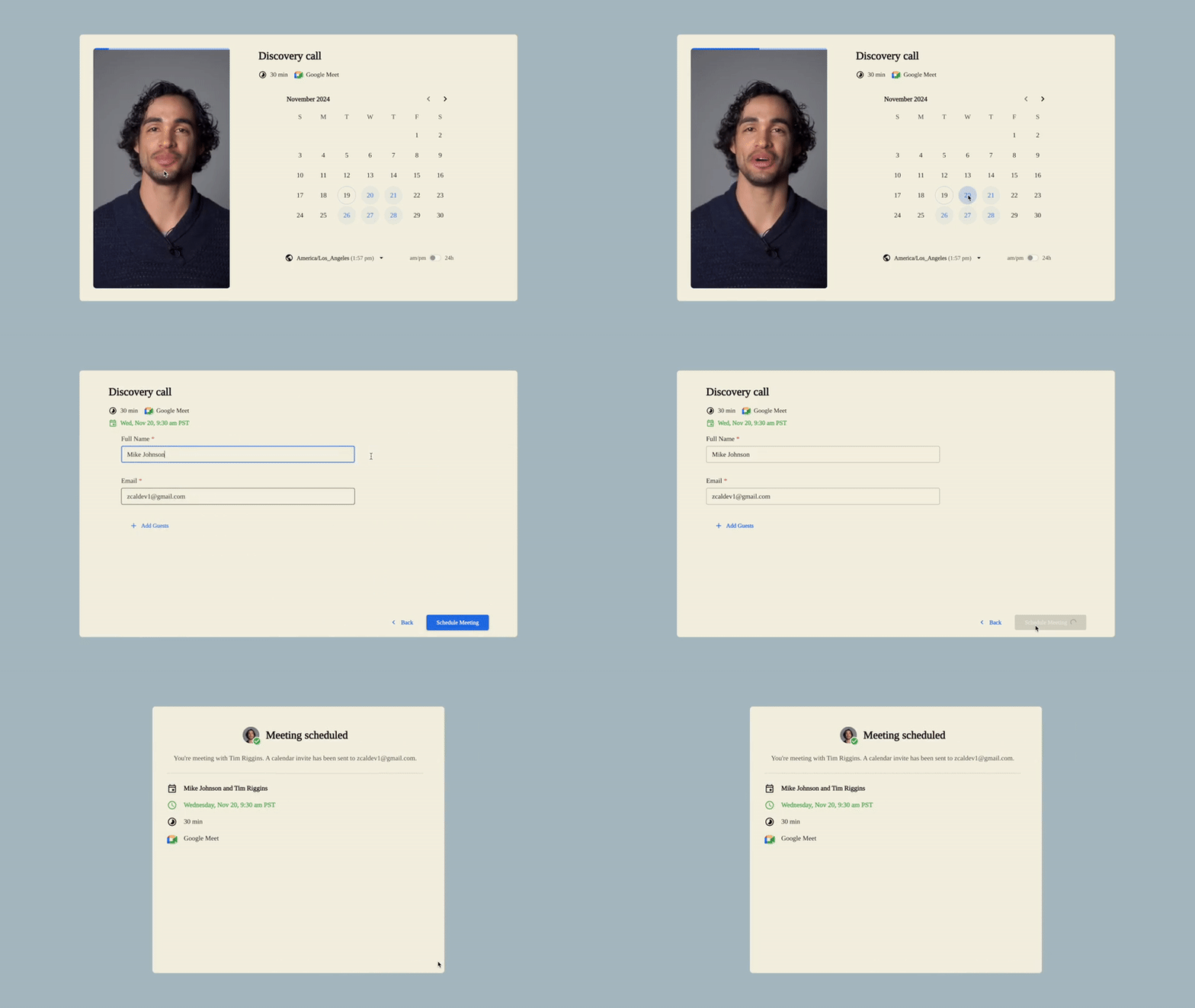
When you share your zcal link, invitees can view your availability and select a time that works for both parties. Behind the scenes, zcal checks for events marked as 'Busy' on your calendar and removes them from your available times, preventing invitees from double booking you. Once a time is chosen and the meeting is scheduled, it's automatically published to your connected calendar. Both you and your invitee receive confirmations of the scheduled meeting by email.
### See the difference
Check out an example of booking process below, and see for yourself what a difference zcal can make for your customer experience.